Notification channels
The seven ways Glowo can reach you, and how to scope each one so the right alerts reach the right people.
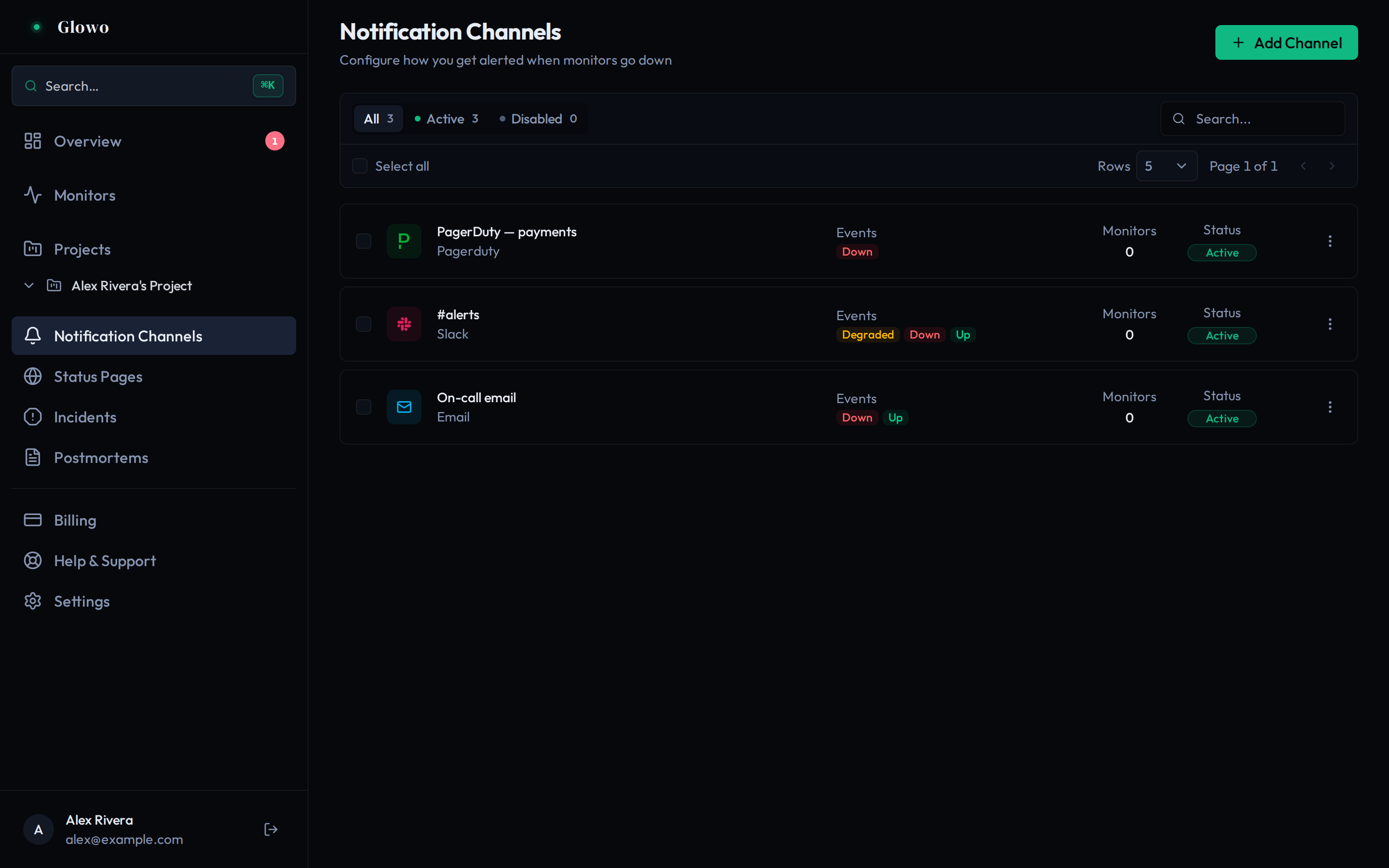
A channel is one destination for alerts. You create it once, subscribe it to the events you care about, and attach it to monitors.
The seven types
An address. Everyone, as a baseline.
Slack
An incoming webhook URL. Team awareness.
Discord
A webhook URL. Team awareness.
Telegram
A bot token and a chat ID. Personal or small-team alerts.
SMS
Up to 10 phone numbers. Waking someone up.
PagerDuty
An Events API v2 routing key. Real on-call rotations.
Webhook
A URL, optionally a signing secret. Your own automation.
Settings every channel shares
| Setting | Limit |
|---|---|
name |
1–255 characters |
events |
at least one |
monitorIds |
up to 50 |
projectIds |
up to 50 |
Scoping
This is the difference between a monitoring system people trust and one they mute.
- No scoping — the channel receives its subscribed events from every monitor in the workspace. Fine for a team-wide Slack channel; wrong for SMS.
monitorIds— only these monitors.projectIds— every monitor in these projects. Better than listing monitors individually, because a monitor added to the project later is covered automatically.
Prefer project scoping. Monitor-level lists silently go stale as your infrastructure grows, and nobody notices until an alert does not arrive.
Enabling and disabling
A channel can be disabled without deleting it, which keeps its configuration and history. Use it to silence a noisy integration while you fix it.
Testing
Every channel has a Test action that sends a sample notification using the real configuration and delivery path. Use it whenever you create a channel — a typo’d webhook URL or a revoked bot token is silent until the first real outage, which is the worst possible moment to find out.
Choosing a set
A workable pattern for a small team:
| Channel | Events | Scope |
|---|---|---|
| Team email | MONITOR_DOWN, MONITOR_UP |
all monitors |
Slack #alerts |
MONITOR_DOWN, MONITOR_UP, MONITOR_DEGRADED |
all monitors |
| SMS to on-call | MONITOR_DOWN |
the “Production” project only |
The MONITOR_UP subscriptions matter. Without them nobody learns that the
incident ended, and people keep investigating a resolved problem.